How to Unpair an Apple Watch Before Selling or Resetting It
August 28, 2026
If your iPhone is nearby, unpair your Apple Watch through the Watch app: it backs up your data and shuts off Activation Lock automatically. No iPhone on hand? Erase the watch directly from its Settings menu, though that skips the backup and leaves Activation Lock tied to your Apple ID. Selling a cellular model adds one more decision: drop the cellular plan first and call your carrier so billing doesn’t follow you out the door.
TL;DR:
- Unpair your Apple Watch using your iPhone to automatically back up data and disable Activation Lock, especially if you plan to sell or trade it.
- Erasing the watch directly on the device skips the backup process and leaves Activation Lock active unless you manually remove it from your Apple ID account.
- Confirm that Activation Lock is off by checking your device list before shipping, as many sellers overlook this step, causing delays.
- Dropping the cellular plan is necessary when selling a cellular Apple Watch, and you should contact your carrier afterward to cancel the plan.
- If your iPhone is unavailable, wipe the watch via Settings, but know this method does not create a backup or remove Activation Lock automatically.
Table of Contents
- What to Do Before You Unpair Your Apple Watch
- How Do I Unpair My Apple Watch Using My iPhone?
- How Do I Erase My Apple Watch Without an iPhone?
- Common Unpairing Problems and How to Fix Them
- What Happens to Your Data and Activation Lock After Unpairing
- Why Buybackbear Cares About a Clean Unpair
- Get Cash for Your Apple Watch After You Unpair It
- Sources
- FAQ
What to Do Before You Unpair Your Apple Watch
A little prep now saves you a headache later. Get these four things sorted first:
- Confirm you know your Apple ID password and your watch passcode. You’ll need both, and forgetting either mid process is the single biggest reason people get stuck.
- Keep your iPhone and watch within a few feet of each other, both charged above 50%, and on Wi-Fi if you can manage it. A dropped connection halfway through can stall the unpairing.
- Understand the backup split: unpairing through your iPhone triggers an automatic backup of your apps, settings, and most health data, while erasing directly on the watch does not.
- If you have a cellular Apple Watch, decide now whether you’re keeping or dropping the plan, and have your carrier’s support number ready.
Pro Tip: Open the Watch app and check “My Watch” for a recent backup timestamp before you start. If it’s more than a day old, give it a few minutes on Wi-Fi to sync fresh data before you unpair.
How Do I Unpair My Apple Watch Using My iPhone?
This is the method Apple recommends, and it’s the one you want whenever your iPhone is within reach. It’s also the only route that both backs up your data and strips Activation Lock in one motion.
- Open the Apple Watch app on your iPhone.
- Tap My Watch, then All Watches in the top corner.
- Tap the blue info icon (ⓘ) next to the watch you want to remove.
- Tap Unpair Apple Watch, then confirm.
- Enter your Apple ID password when prompted. This is the step that actually turns off Activation Lock.
- Wait for the process to finish. Your iPhone creates a backup and erases the watch in the same sequence, so don’t close the app or walk away mid process.
If you have a cellular Apple Watch, a pop-up during this flow asks whether to keep or remove your cellular plan. Selecting Remove Plan disconnects the watch from your carrier account entirely, which is what you want if you’re selling or trading it in. Choosing to keep the plan makes sense only if you’re switching that same cellular line to a different watch you already own. Either way, if you’re parting with the device, plan on a quick call to your carrier afterward to confirm the line is actually closed. Carriers don’t always process this automatically just because the watch was unpaired.
One detail worth flagging here: roughly half of used-device sellers skip verifying that Activation Lock is actually off before shipping a device, which is the number one reason trade-in offers get delayed or rejected outright.
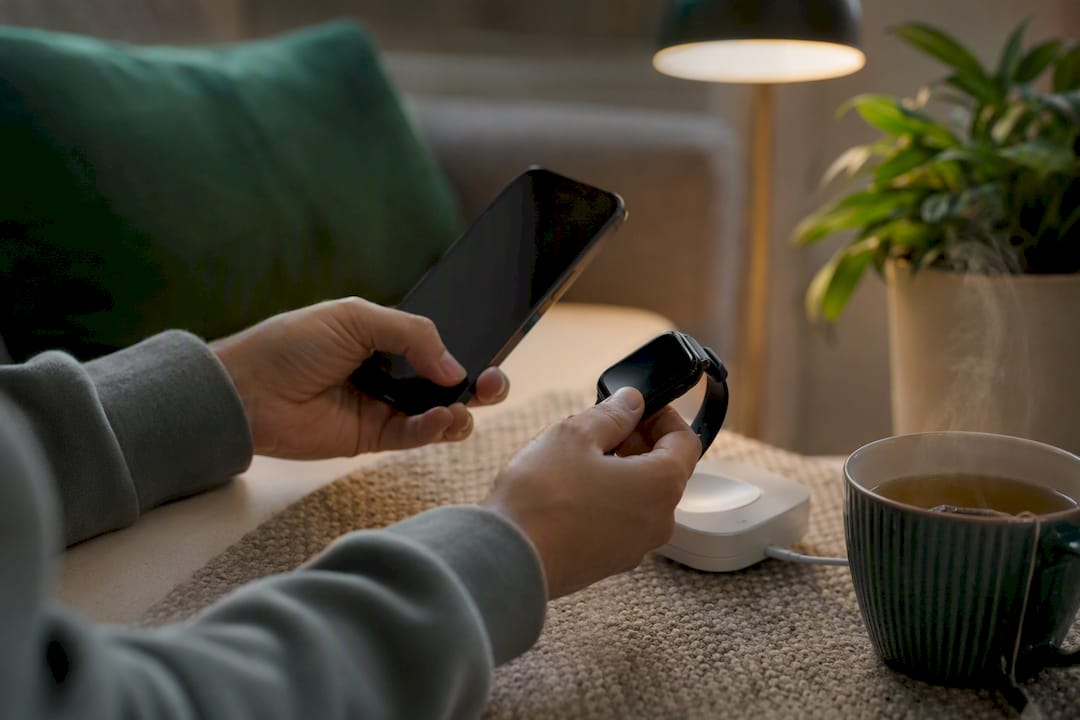
Setting up a new watch later? During setup, your iPhone offers to restore from that backup automatically, pulling it from local storage or from iCloud if you have iCloud backups turned on. You’ll get your watch faces, most app data, and health history back, though CNET notes it’s worth testing the restore once to make sure nothing custom got left behind.
How Do I Erase My Apple Watch Without an iPhone?
Lost your iPhone, upgraded to a new one without transferring first, or just don’t have the paired phone handy? You can still wipe the watch, just directly on the device itself.
- On the watch, go to Settings, then General.
- Scroll to Reset, then tap Erase All Content and Settings.
- Enter your passcode if the watch asks for it, then confirm.
- For cellular models, you’ll see a choice between Erase All and Erase All & Keep Plan. If you’re selling the watch, pick Erase All and contact your carrier afterward to formally cancel service on that line.
Forgot your passcode entirely? There’s a workaround, but it requires the watch to be on its charger. Press and hold the side button until the power sliders appear, then press and hold the Digital Crown. This reveals a Reset option that leads to the same erase process, according to Apple Support.
Pro Tip: Erasing on the watch is a one-way door. There’s no backup created, so anything not already synced to your iPhone or iCloud is gone for good once you confirm.
The part people miss most often: erasing this way does not remove Activation Lock. Your Apple ID stays attached to the watch, and whoever gets it next will hit a wall asking for your password the moment they try to pair it.
Common Unpairing Problems and How to Fix Them
Most unpairing failures trace back to one of four situations, and each has a specific fix rather than a generic “try again.”
- Forgot your Apple ID password. Reset it at Iforgot before attempting to unpair. Have a trusted device or phone number handy for the verification step, since Apple won’t let the reset through without it.
- Watch isn’t near your iPhone, or your iPhone is lost or sold. Erase the watch using the on-device method above, then sign in to Icloud and remove the watch from your device list. That’s the step that actually kills Activation Lock when you couldn’t unpair the normal way.
- Forgot your watch passcode. Use the charger plus side button plus Digital Crown sequence covered earlier. Just know going in that this path leaves no backup behind.
- New iPhone won’t restore your old watch data. Check that your prior backup finished syncing to iCloud before you erased anything, then choose “Restore from backup” during setup instead of “Set up as new.”
A watch can look fully wiped and still be locked to its original owner. Erasing the device and clearing it from Apple’s servers are two separate actions, and skipping the second one is why so many secondhand Apple Watches end up stuck at the activation screen.
What Happens to Your Data and Activation Lock After Unpairing
The path you took determines exactly what’s waiting for the next person who touches that watch. Get this wrong and you either hand over more data than you meant to, or leave a lock in place that makes the watch worthless to a buyer.
- Unpairing through your iPhone backs up your apps, settings, and most health data locally, syncing to iCloud too if you have iCloud backups enabled. Erasing directly on the watch skips this step entirely.
- Unpairing removes Activation Lock immediately. Erasing on the watch does not, leaving the lock tied to your Apple ID until you manually remove the device from your account.
- Before you ship or hand off a watch, open the Find My app or check your device list at iCloud.com and confirm the watch is gone. If it’s still listed, Activation Lock is still active regardless of what the watch’s screen shows.
- Sellers who verify this ahead of time consistently see faster inspection and payment, since a locked device is an automatic hold at any buyback service.
Why Buybackbear Cares About a Clean Unpair
We ask every seller to unpair or erase their Apple Watch before shipping, and it’s not busywork. A locked watch can’t be verified or resold, which slows down your payout and sometimes gets a device kicked back to you.
A quick checklist before you box it up: unpair through your iPhone if you still have it, drop the cellular plan on cellular models, and double check Activation Lock is actually off in your device list. Skip these and you’re adding days to a process that should take one.
, Andy
Get Cash for Your Apple Watch After You Unpair It
Once your watch is unpaired and Activation Lock is confirmed off, the fastest way to turn it into cash is Buybackbear’s instant quote tool, not a carrier trade-in that pays you back in bill credit spread across two or three years. You get an offer in seconds, ship free with a prepaid label, and get paid the same day we inspect the device by PayPal, Venmo, debit card, or bank transfer.

Every watch we receive gets wiped to the NIST 800-88 standard with a free Certificate of Data Erasure, so a properly unpaired device isn’t just faster for you, it’s one less thing our inspection team has to chase down before your payout clears. We also track competitor buyback prices daily and beat any written quote by a competitive amount.
Head to Sell or Trade In Your Apple Device to get your instant quote and start the process today.
Sources
For the exact screen sequences and Activation Lock rules, Apple’s own unpair and erase guide and pre-sale checklist are the two pages worth bookmarking.
- Unpair and erase your Apple Watch - Apple Support
- How to unpair your Apple Watch from your iPhone - Engadget
FAQ
How Do I Unpair My Apple Watch Without the iPhone?
Go to Settings, then General, then Reset, and select Erase All Content and Settings directly on the watch. This wipes the device but doesn’t remove Activation Lock or create a backup, so follow up by removing the watch from your account at Icloud.
How Do I Unpair an Apple Watch That’s Already Set Up and Paired?
Open the Apple Watch app on your iPhone, tap All Watches, tap the info icon next to the watch, then tap Unpair Apple Watch and enter your Apple ID password to confirm.
How Do I Reset My Apple Watch to Pair With a New Phone?
Unpair it first from your current iPhone through the Watch app, which backs up your data and clears Activation Lock, then pair it to the new iPhone and choose to restore from that backup during setup.
Does Unpairing My Apple Watch Erase Everything?
Yes, unpairing restores the watch to factory settings, but unlike a direct on-watch erase, it creates a backup of your apps, settings, and most health data first, so nothing is lost in the process.
Do I Need to Unpair My Apple Watch Before Selling It to Buybackbear?
Yes. Unpairing through your iPhone removes Activation Lock and creates a backup, which lets our team verify and process your device faster once it arrives.
Recommended
Ready to sell?
Get an instant quote, free prepaid shipping, and fast cash that beats carrier trade-in credit.
Selling your device here, at a glance
Get my instant quote →- Instant quote in about 30 seconds, price locked while you decide
- Cash by PayPal, Zelle, Venmo or check after inspection, no fees
- Free prepaid label both ways, free return shipping if you decline
- We beat any competitor's written quote by $2
- Cracked screen, broken or won't power on? Still worth real money
- Certified NIST 800-88 data wipe with an emailed certificate
- Trade-in value paid in cash, not a 24-36 month carrier bill credit
- Every model priced: unlocked or carrier-locked, any storage size